Product Updates For 2025: Smarter, Accessible & More Connected Events
Share
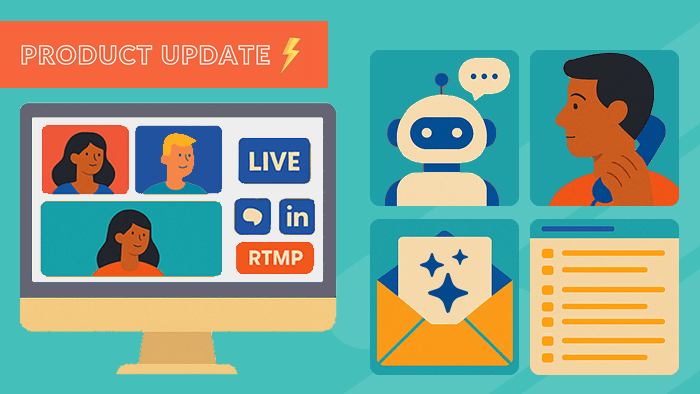
As 2025 draws to a close, we’re looking back on another big year of innovation at streamGo. From expanding how and where you can broadcast your events, to giving you AI-powered support before, during and after your webinars, we’ve shipped features designed to make your life easier and your events more impactful.
In 2024, we focused on features that boosted engagement, made events more accessible and streamlined workflows. Such as; AI chapters, live AI captions, QR code check-in and our new Zapier integration.
This year, we’ve doubled down on three themes our customers care about most:
Reach, getting your content in front of more of the right people
Support, helping attendees (and your team) in real time
Accessibility & reliability, making sure every attendee can join and enjoy the event, wherever they are
Here’s a round-up of the major product updates we’ve shipped in 2025.
1. Go Live Everywhere with Multi-Streaming
 Your audience doesn’t just sit on one platform. They’re on your email list, browsing your landing pages, scrolling LinkedIn, watching YouTube, and joining live streams in between meetings.
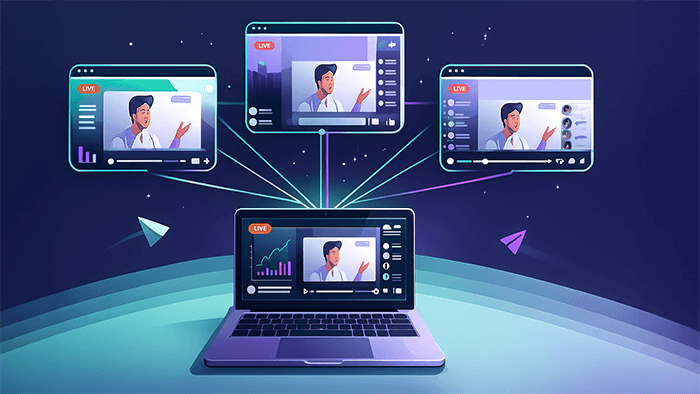
With streamGo multi-streaming, you no longer have to choose between a rich event experience on your event page and the reach of social platforms, you can do both!
With multi-streaming you can:
Run your main event on streamGo as usual
Broadcast the same live feed out to YouTube, LinkedIn Live or any RTMP destination at the same time
Use social platforms as top-of-funnel entry points, while your core event strategy (data, registration, follow-up) stays in streamGo
In practice, that might look like hosting your flagship webinar on a branded streamGo page, while simulcasting the keynote to LinkedIn to catch your followers in their feed – all from one production workflow.
Why it matters:
Increase reach without extra production work
Tap into existing communities on YouTube and LinkedIn
Create bigger buzz around launches, announcements and headline sessions
2. Meet EVA: Your 24/7 Event Virtual Assistant
Even the best-planned event can get buried under attendee questions:
“Where’s my login link?”
“Is this being recorded?”
“Can I watch on mobile?”
Those messages don’t stop, especially when you’re running global programmes. That’s why we launched EVA (Event Virtual Assistant), your AI-powered event support chatbot built directly into streamGo.
Provides instant, 24/7 support to your attendees across time zones in any language
Automatically learns from your event setup; agenda, sessions, speakers, timings, resources
Handles common queries around:
Event info (sessions, timings, speakers)
Technical help (logins, browsers, audio/video)
Resources (slides, recordings, CPD/CE certificates)
General FAQs (“How do I register?”, “Can I watch on-demand?”)
There’s no extra setup or scripting required. You build your event as normal and EVA learns from the configuration and content, then appears directly on the event page ready to help.
For event teams, that means fewer repetitive support tickets and more time to focus on high-impact tasks like sponsor management, speaker care and programme strategy.
3. AI Post-Event Insights – Straight to Your Inbox
 Post-event reporting is essential, but it’s often the part that gets squeezed when everyone is busy. Pulling stats, summarising content, drafting follow-ups and building internal reports can easily take hours.
Our new AI-Powered Post-Event Insights feature does that heavy lifting for you.
After every streamGo event, you’ll automatically receive an email containing an AI-generated insights report, including:
Attendance & engagement stats – who joined, how long they stayed, how engaged they were
Session summaries – short, clear recaps you can lift straight into follow-up emails, landing pages or social posts
Speaker highlights & key quotes – shareable snippets and talking points you can reuse in your marketing
Top audience questions – instantly see what resonated and where your audience needs more support
Poll results & visualised data – no more manual copying into slides or spreadsheets
The result:
Faster internal reporting
Ready-to-use content for marketing
Deeper insight into what actually worked during the event
And because this feature sits alongside our existing AI tools like AI-generated chapters, AI video search and live AI captions. Your events are now supported by a full AI layer from registration all the way through to post-event analytics.
4. Accessible Templates that Meet New Standards by Default
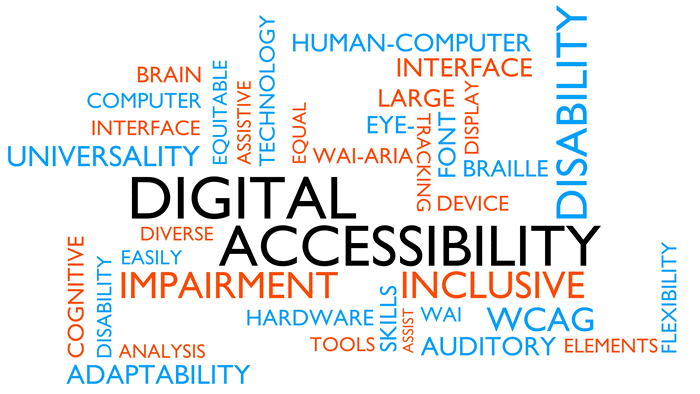 With the European Accessibility Act (EAA) coming into full effect in June 2025, accessibility has moved from “nice to have” to non-negotiable. Especially for digital services like online event platforms
This year, we’ve made major updates to streamGo’s event templates to ensure accessibility is built-in from the ground up.
Our accessible templates now include:
Full WCAG 2.1 AA-aligned designs, audited against EAA requirements
Automatic live & on-demand captions across all events
Contrast-aware branding, so colours are automatically adjusted to meet contrast ratio standards
Keyboard-accessible navigation – every interactive element, from buttons to forms, can be used via keyboard alone
Responsive layouts on all devices, so attendees can comfortably join and engage from mobile, tablet or desktop
These updates mean you’re not just ticking compliance boxes, you’re:
Making it easier for everyone to join and stay engaged
Improving the experience for non-native speakers, people in noisy environments, and anyone who benefits from captions and clear structure
Protecting your organisation from accessibility-related risk as regulations tighten
5. Telephone Dial-In for Presenters
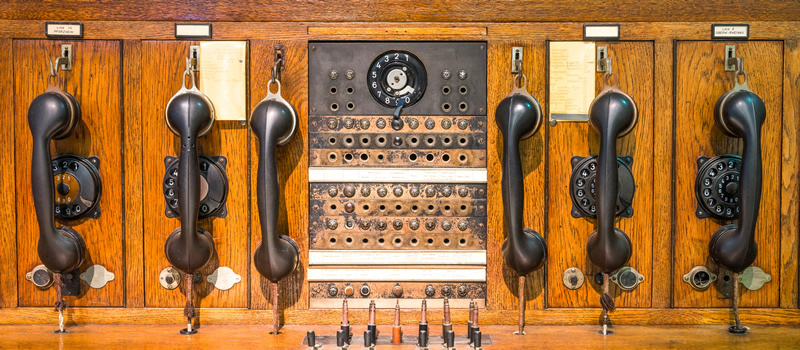 Not every presenter can join from a perfect home office setup with rock-solid Wi-Fi. Sometimes they’re on the move, in a low-bandwidth environment, or sat behind a very strict firewall.
To make sure your speakers can still show up confidently, we’ve introduced telephone dial-in for presenters.
With telephone dial-in, presenters can:
Join the event audio via a standard phone line
Continue contributing even if their internet connection is unstable
Use dial-in as a backup option in case of last-minute connectivity issues
For event organisers, this adds an extra layer of resilience to your production plan. You can still use streamGo for slides, video and interactivity. While giving key speakers a reliable, low-tech audio path if they need it.
It’s a small addition that can save a lot of stress when you’re minutes away from going live with a senior executive or high-profile guest.
Looking Ahead: The Future of Events
Between multi-streaming, EVA, AI post-event insights, accessible templates and presenter dial-in, 2025 has been all about helping you:
Reach more of the right audience
Support attendees (and your team) with smart automation
Build events that are inclusive, compliant and resilient by default
These sit alongside our growing feature set from recent years. From AI-generated chapters and live AI captions to QR code check-in, feedback forms, Zapier integrations and more. All designed to make your webinars, virtual events and hybrid experiences more impactful with less effort.
And we’re not done. We’re already working on the next wave of improvements to help you deliver even better events in 2026 and beyond. 🚀
Inspired for your next online event?
See the streamGo platform in action!